4K TV Dead Pixel & Screen Test
Dedicated 3840x2160 screen testing tool for Samsung, LG, Sony, TCL, and Hisense 4K TVs. Test OLED, QLED, Mini-LED, and LED panels directly through your TV web browser or HDMI-connected device.
Launch 4K TV Fullscreen Test
Cycles pure RGBW colors in 4K resolution. Use your TV remote OK / directional buttons or mouse to cycle colors.
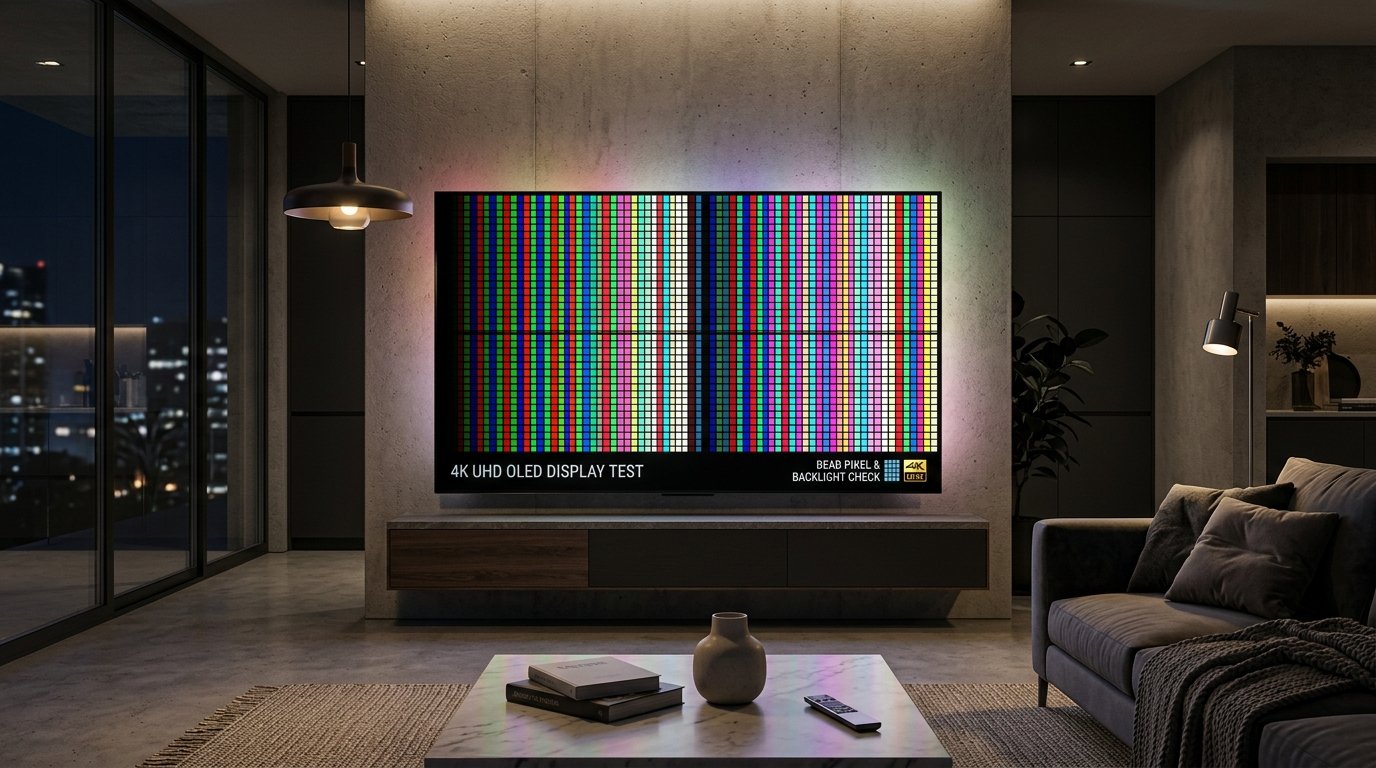
How to Inspect a 4K UHD Smart TV Display (8.3 Million Pixels)
A standard 4K Ultra HD screen contains 3,840 x 2,160 pixels, which equals 8,294,400 individual pixels and over 24 million red, green, and blue subpixels. Follow these steps to conduct an accurate TV panel inspection:
Method 1: Smart TV Web Browser
Open your TV's browser app (Samsung Internet, LG webOS Browser, or Google TV). Navigate directly to our URL and click Start Test.
Method 2: HDMI PC Connection
Connect a laptop or PC via HDMI 2.0 or 2.1 cable, set your computer resolution to 3840x2160 @ 60Hz/120Hz, and run fullscreen tests in browser.
Method 3: Streaming AirPlay/Cast
Screen mirror your iPhone, iPad, or Android phone to your TV and swipe through fullscreen color frames.
Manufacturer 4K TV Pixel Defect Policies
Before contacting retail support or filing a warranty claim, understand standard TV return guidelines:
- Retailer Return Period (15 to 30 Days): Retailers like Best Buy, Amazon, and Costco provide a 15–30 day return window. If your TV has any dead or stuck pixels, return it immediately to the store for a replacement.
- OLED vs LED Warranty Criteria: On OLED TVs (LG OLED, Samsung QD-OLED, Sony Bravia OLED), manufacturers often offer stricter zero-bright-dot rules due to premium panel pricing.
Compare Brand Warranty Policies
Explore our comprehensive brand warranty guides for Samsung, LG, Dell, ASUS, and Apple.
Read Samsung TV Policy →Frequently Asked Questions (4K TV Screen Testing)
Can 4K TV dead pixels be seen from the couch?
A single dead pixel on a 55-inch or 65-inch 4K TV is virtually impossible to see from 8 feet away. However, stuck bright hot pixels (white, red, or green) can catch your eye during dark movie scenes.
Can high-speed color cycling fix a stuck pixel on a TV?
Yes. Running our Stuck Pixel Fixer in fullscreen on your TV for 20 to 30 minutes can often stimulate stuck liquid crystals on LED/QLED screens.