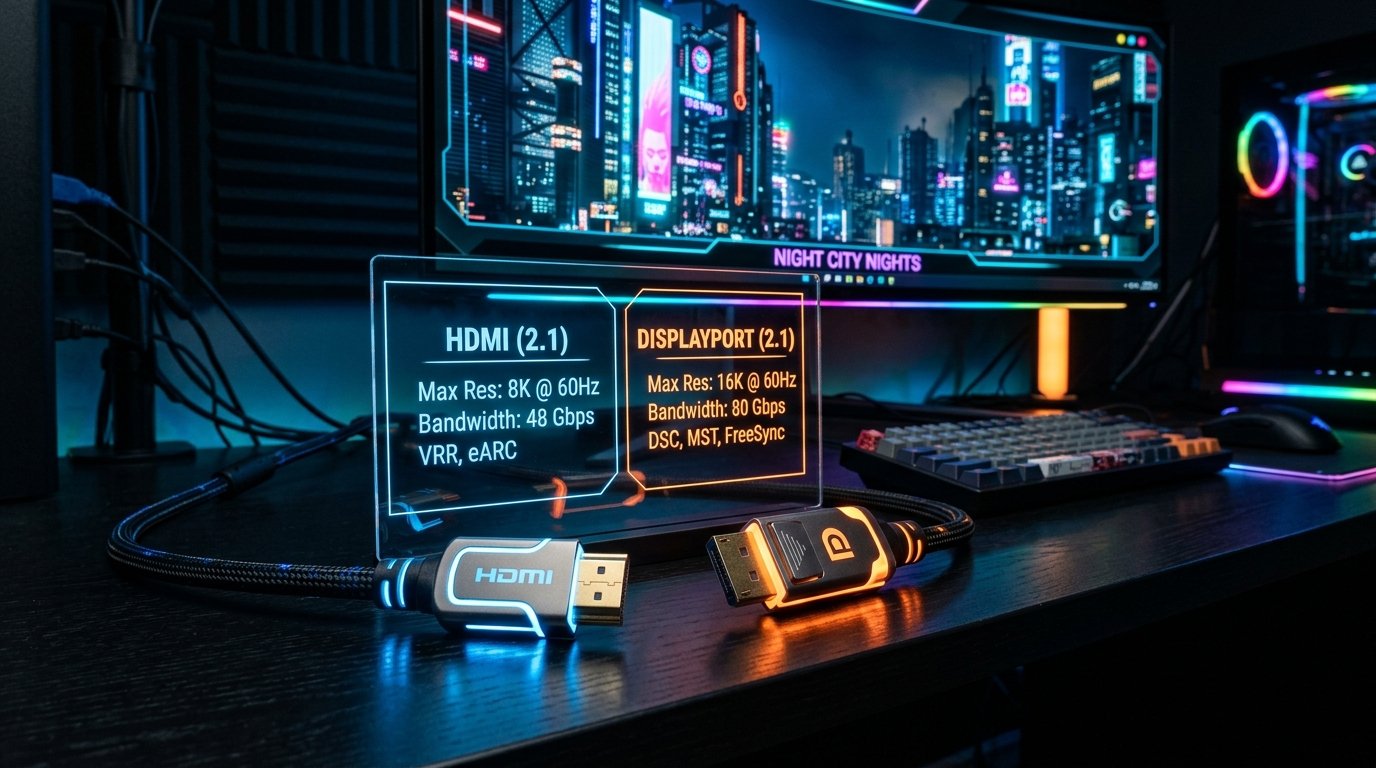
Why Does My Monitor Look Blurry? 9 Common Causes and How to Fix Them
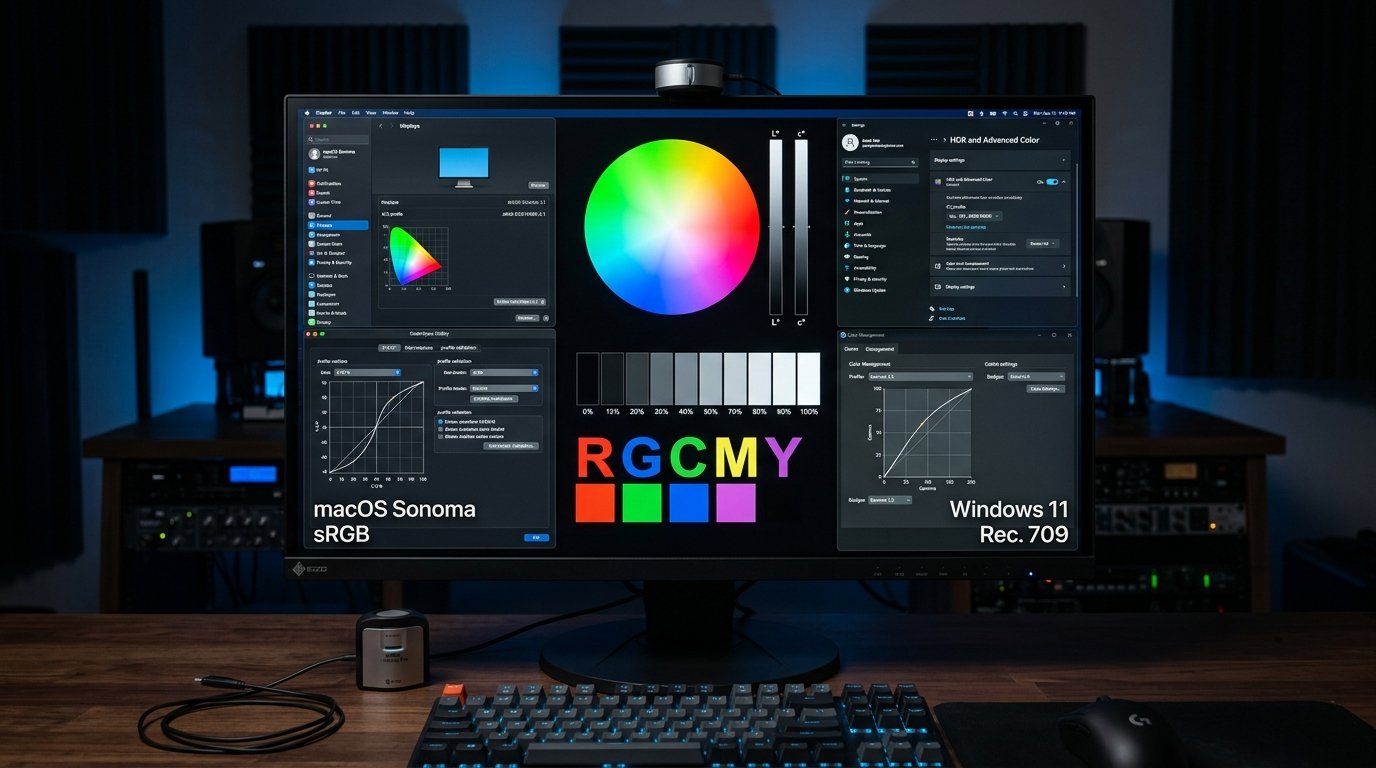
Learn why your monitor may look blurry and how resolution, scaling, refresh rate, cables, graphics settings, and text rendering can affect display clarity.
Read Full Guide →Expert articles and research on panel manufacturing, calibration, and troubleshooting display defects.
Learn why your monitor may look blurry and how resolution, scaling, refresh rate, cables, graphics settings, and text rendering can affect display clarity.
Read Full Guide →
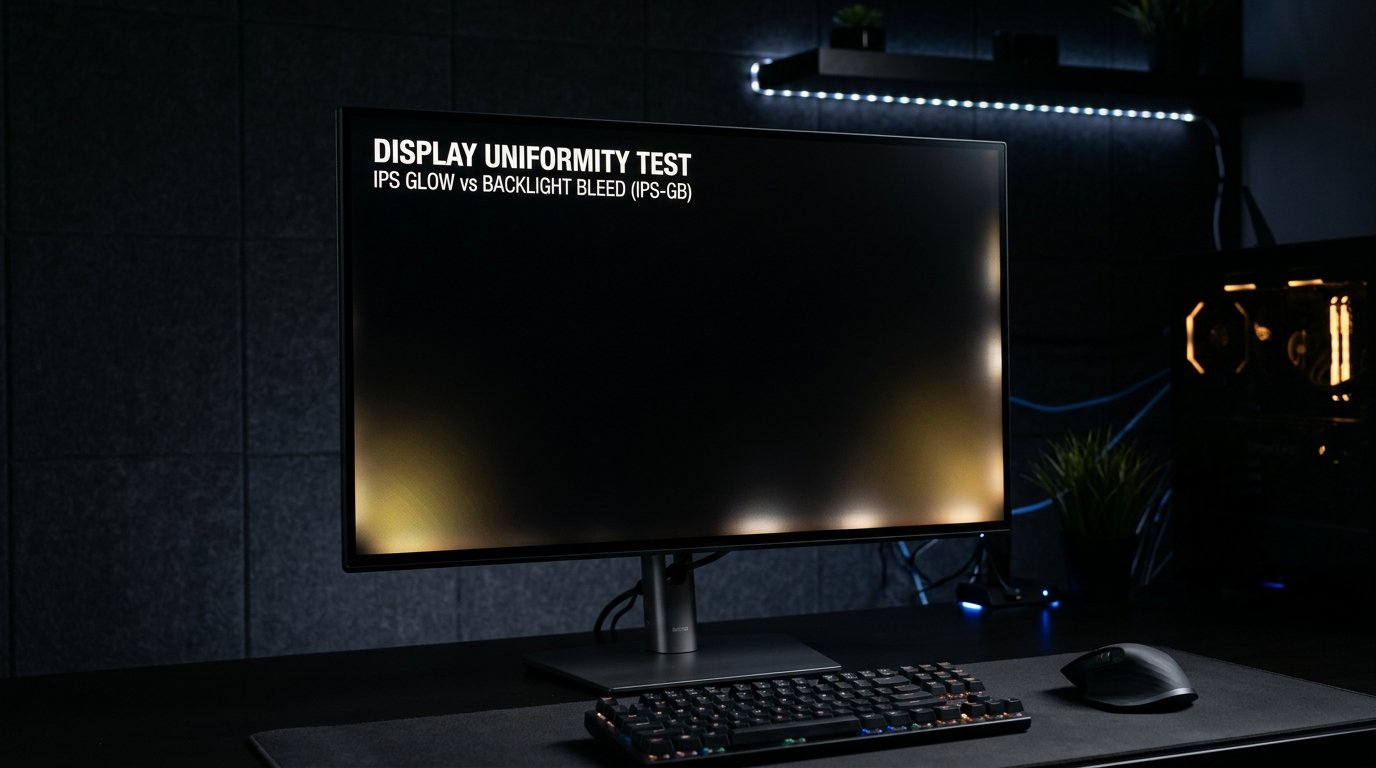
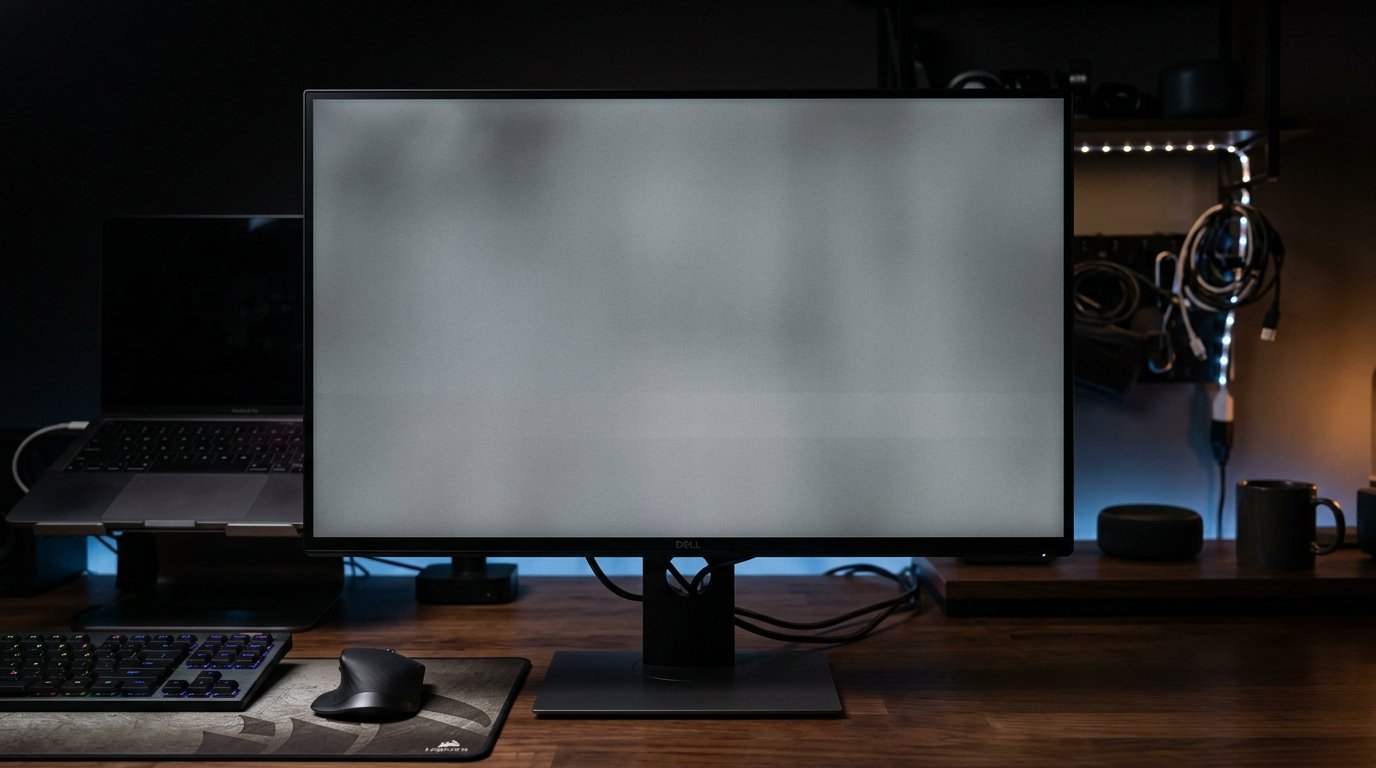
Just bought a new monitor or laptop screen? Use this quick display inspection checklist to find dead pixels, refresh-rate issues, backlight bleed, resolution problems, and other display defects before your return window expires.
Read Full Guide →Learn whether dead pixels can spread, why additional pixel defects may appear over time, and when multiple display problems could indicate a larger hardware issue.
Read Full Guide →Learn what causes dead pixels on digital screens, how dead and stuck pixels differ, whether a dead pixel can be fixed with software, and practical prevention tips.
Read Full Article →Learn how to test your monitor, laptop, or smartphone for dead and stuck pixels using DeadPixelTests.com. Discover quick physical and software fixes.
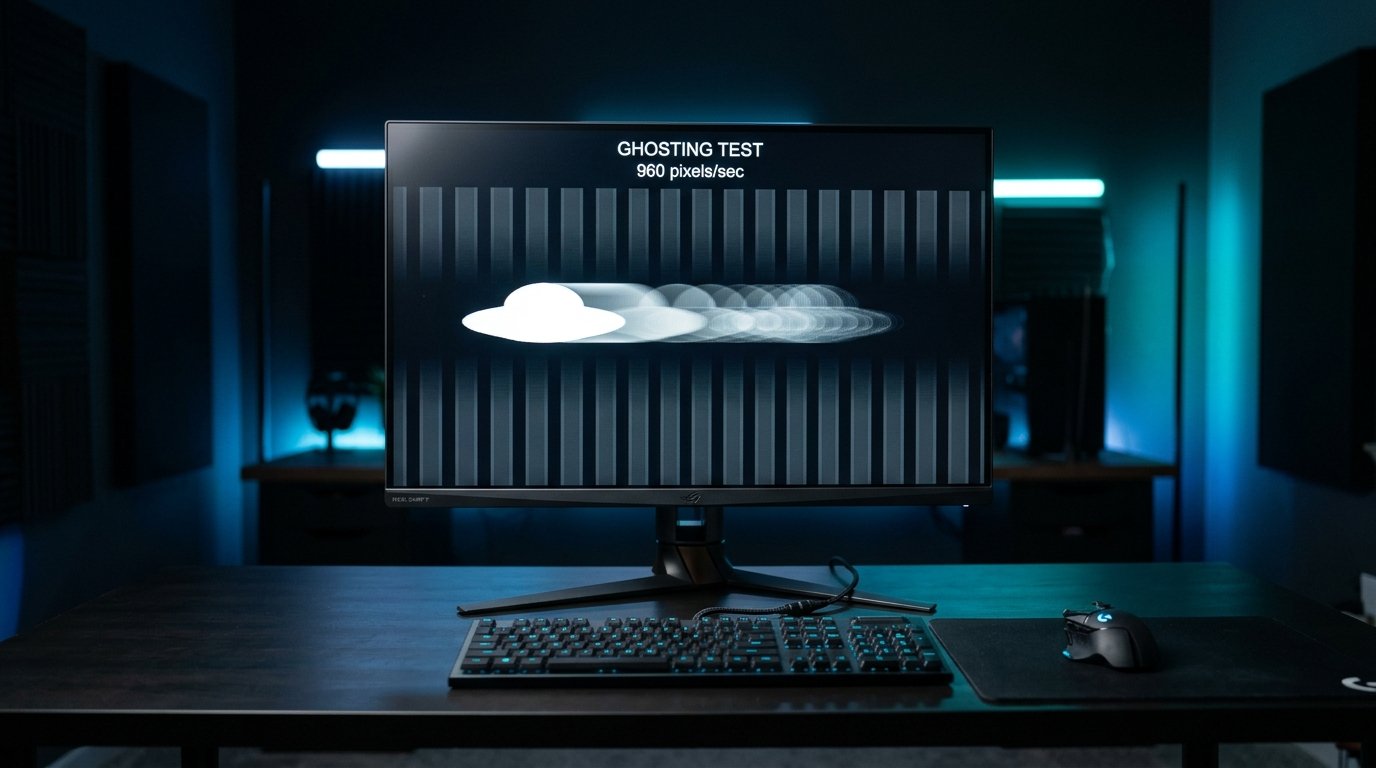
Read Full Guide →Discover why dead and stuck pixels appear on monitors. Explore how manufacturing errors, environmental conditions, constant overwork, and shipment stress affect display durability.
Read Full Guide →