MacBook Dead Pixel & Display Test
Diagnostic suite optimized for Apple MacBook Pro (14" & 16" Liquid Retina XDR) and MacBook Air (13" & 15" Liquid Retina). Check for dead subpixels, mini-LED blooming, and notch perimeter defects.
Launch MacBook Fullscreen Test
Cycles pure RGBW backgrounds. Use Spacebar / Right Arrow to advance colors and ESC to exit.
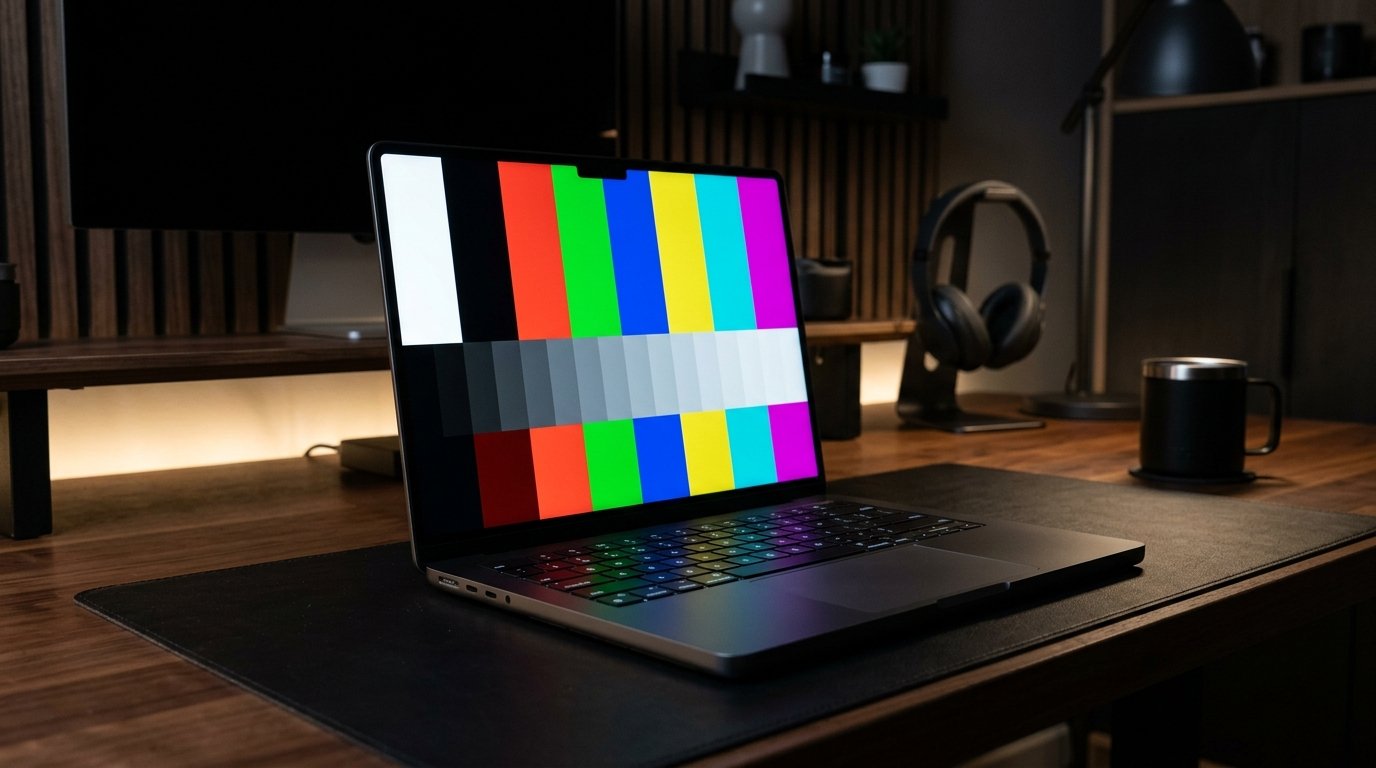
Liquid Retina & Mini-LED XDR Screen Inspection Guide
MacBook Pro models equipped with Liquid Retina XDR utilize thousands of mini-LED local dimming zones with sustained 1000 nits and peak 1600 nits brightness. MacBook Air uses high-gamut P3 Liquid Retina IPS. To verify your panel is defect-free, inspect these 3 critical display zones:
1. Center Display Matrix
Scan the main active workspace on solid Red, Green, Blue, and White screens for dark dots (dead pixels) or static brightly lit color specks (stuck pixels).
2. Camera Notch Perimeter
Inspect the curved radius around the FaceTime camera notch. Check for irregular light bleed or subpixel row disconnection along the bezel cutout.
3. Dark Uniformity & Blooming
On the pure black test screen (#000000), verify that mini-LED backlight zones dim completely to 0 nits without bright stuck LED clusters.
Apple MacBook Dead Pixel Warranty & Genius Bar Criteria
Understanding your warranty rights protects your investment when buying a new or certified refurbished MacBook:
- 14-Day Return Policy: Return the MacBook for a 100% refund or brand-new exchange if any pixel defect is detected within 14 days of purchase.
- Genius Bar Service Threshold: For displays older than 14 days, Apple technicians evaluate pixel defects under warranty guidelines. While bright dots are often replaced promptly, dark subpixel criteria require specific cluster density counts.
Checking Other Manufacturer Warranties?
Learn how Dell, LG, ASUS, and Samsung handle dead pixel exchanges and Zero-Bright-Dot policies.
Browse Warranty Policies Hub →Frequently Asked Questions (MacBook Display Testing)
Can a keyboard mark on the MacBook screen look like dead pixels?
Yes. Keyboard oils transferred to the anti-reflective coating can create dark squares resembling pixel clusters. Clean the screen gently with a damp microfiber cloth to check if marks wipe away.
Can software repair stuck pixels on a MacBook Pro?
Our interactive Stuck Pixel Fixer uses rapid RGB subpixel cycling to stimulate liquid crystals, which can sometimes revive stuck subpixels.