iPad Dead Pixel & Screen Test
Dedicated browser test engineered for iPad Pro (Tandem OLED & Liquid Retina XDR), iPad Air, iPad Mini, and standard iPad screens. Check for subpixel anomalies, bright dots, and touch glass pressure marks.
Launch iPad Fullscreen Screen Test
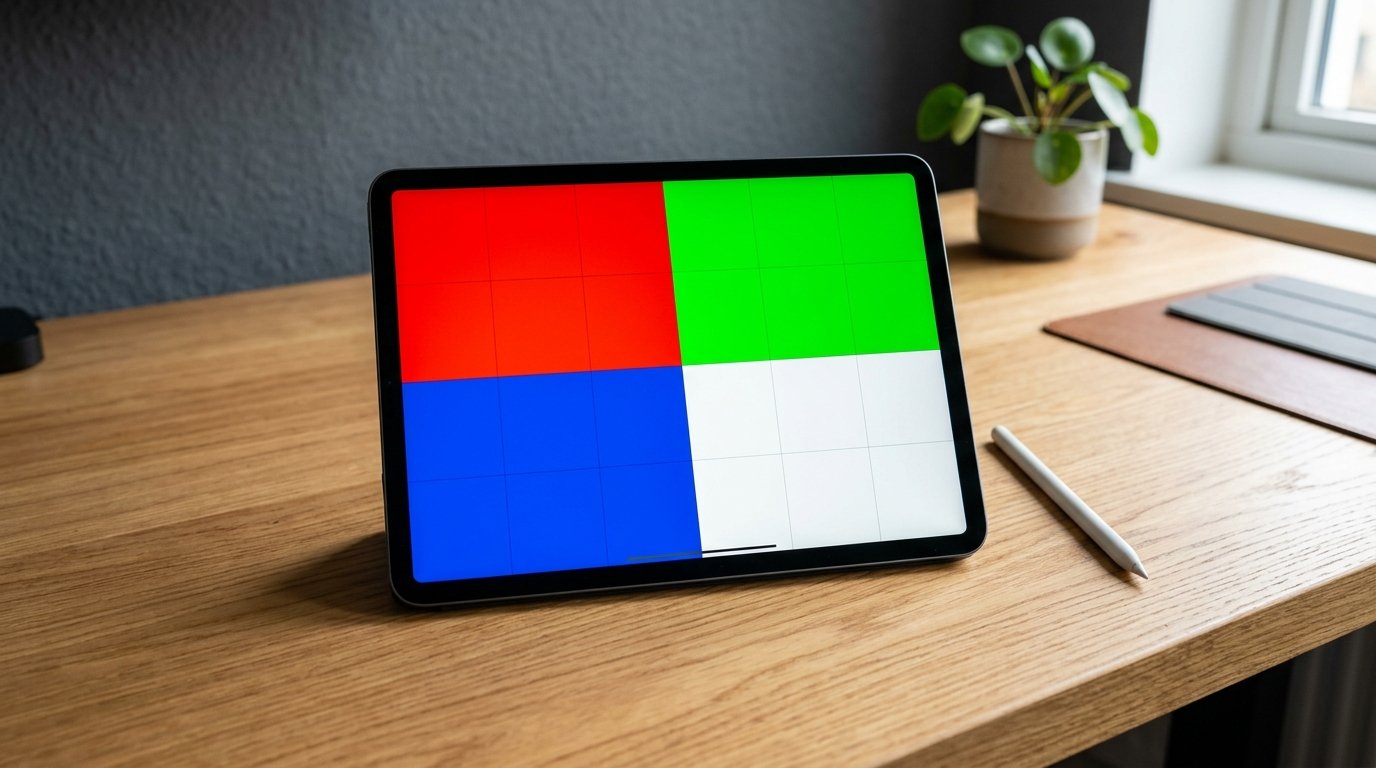
Enters true fullscreen mode in Safari/Chrome. Tap screen or swipe left/right to cycle pure RGBW backgrounds.
How to Inspect Your iPad Display Step-by-Step
Apple iPad displays—such as the Tandem OLED on M4 iPad Pro, Liquid Retina XDR mini-LED on 12.9-inch models, and Liquid Retina IPS on iPad Air/Mini—pack high pixel densities (264 PPI). Because pixels are extremely compact, detecting a single dead subpixel requires methodical inspection.
1. Clean Glass Surface
Use an optical microfiber cloth with a small spray of screen-safe cleaner. Dust specks on iPad oleophobic coating often mimic dead subpixels.
2. Turn Off True Tone
Temporarily disable True Tone and Night Shift in iPad Settings → Display & Brightness so color channels output raw 6500K pure primaries.
3. Fullscreen Touch Inspection
Tap through pure Black, White, Red, Green, and Blue screens. Look for static black dots on bright colors or permanent colored pinpoints on black.
Apple iPad Pixel Warranty & Return Policies
If you discover a defect on your iPad, here is what you need to know about Apple’s official exchange policies:
- 14-Day Return Window (Critical): If purchased new from Apple or authorized retailers, you can return or replace your iPad within 14 days without proving warranty defect thresholds.
- AppleCare+ & 1-Year Limited Warranty: After 14 days, Apple Genius Bar technicians assess pixel anomalies based on subpixel clusters and screen quadrant position under ISO 9241-307 Class II standards.
Need to Check Official Brand Warranty Thresholds?
Compare pixel defect allowances, zero-bright-dot guarantees, and return limits across Apple, Dell, LG, ASUS, and Samsung.
Read Apple Pixel Warranty Guide →Frequently Asked Questions (iPad Screen Testing)
Can a dead pixel appear on an OLED iPad Pro?
Yes. On OLED and Tandem OLED panels, each self-emissive organic diode operates independently. A transistor failure will cause a permanently black subpixel (dead pixel) or a stuck subpixel.
What is the difference between a dead pixel and Apple Pencil pressure bruise?
A dead pixel is an isolated microscopic square (1 pixel). A pressure bruise is an uneven cloudy blob spanning hundreds of pixels caused by internal layer distortion.