OLED Screen Burn-In & Uniformity Test
Diagnostic suite engineered for WOLED, QD-OLED, and AMOLED panels (LG OLED, Samsung Odyssey, Alienware, ASUS ROG). Check for dead subpixels, permanent burn-in retention, vertical banding, and near-black gray uniformity.
Launch OLED Diagnostic Test
Cycles pure RGBW colors, 5% and 10% dark gray uniformity screens, and pure black (0 nits).
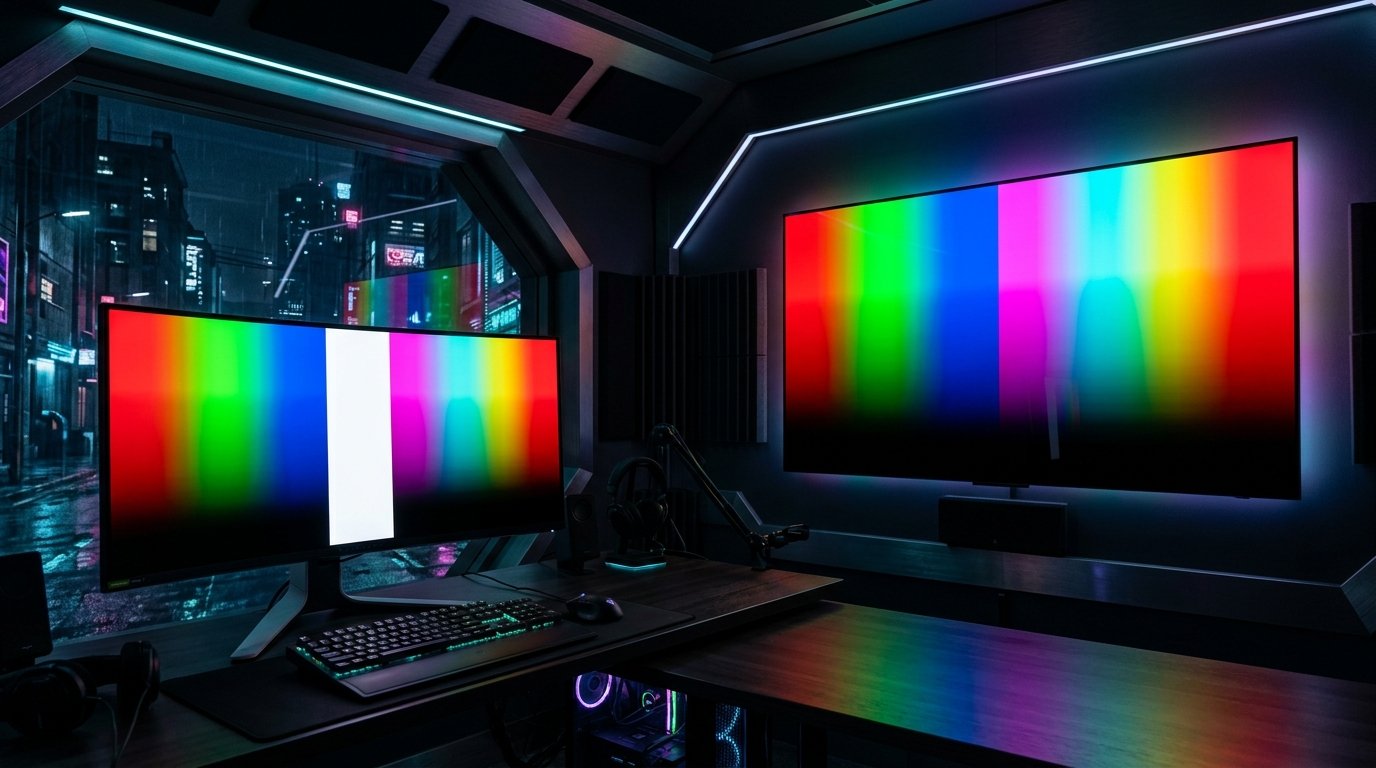
How to Test an OLED Display for Burn-In & Uniformity
Because OLED pixels emit their own light, each subpixel wears down slightly as it operates. Over time, uneven subpixel wear causes burn-in (permanent image retention). Run our test to check these 3 vital OLED metrics:
1. 5% Near-Black Gray Banding
In a pitch-black room, open dark gray screens. Check for vertical lines (jail-bar effect) or dark blotches across the center of the panel.
2. Primary Color Burn-In Scan
Red subpixels wear fastest on QD-OLED and WOLED panels. Display pure Red and Magenta to reveal taskbar or Windows start icon ghosting.
3. True Black Zero-Bleed Check
On the pure black screen (#000000), OLED pixels must completely power off (0.000 nits). There should be zero glow or light leakage.
3-Year OLED Burn-In Warranties (What You Need to Know)
In response to gamer concerns, top monitor brands now include 3-year burn-in warranties on QD-OLED and OLED gaming displays:
- Dell Alienware: 3-year Premium Panel Exchange with advanced unit replacement covering OLED burn-in.
- ASUS ROG & MSI: 3-year warranty with dedicated OLED burn-in protection coverage.
- LG Electronics: 2 to 3-year UltraGear OLED warranty with certified pixel refresh maintenance guidelines.
Need Complete Brand Warranty Policies?
Compare ISO 9241-307 pixel defect tolerances, zero-bright-dot rules, and OLED burn-in warranties across all 5 major brands.
Visit Brand Warranty Policies Hub →Frequently Asked Questions (OLED Display Testing)
What is the difference between image retention and burn-in?
Image retention is temporary and disappears after running a built-in pixel cleaner or power cycle. Burn-in is permanent physical degradation of organic light-emitting subpixels.
Can OLED panels have stuck pixels?
Yes. If an individual thin-film transistor (TFT) driving an organic diode gets locked on, a bright stuck pixel will remain visible against dark scenes.